
Black and White Image Converter Online
Convert your photo to grayscale in one click.
Welcome to ToolsGuru—the perfect online tool for transforming your photos into black-and-white masterpieces! With ToolsGuru, you can easily convert your color images into classic black-and-white with just a few clicks. Our user-friendly interface ensures a seamless experience, allowing you to process multiple photos simultaneously without compromising on security or speed.
Whether you are a photography enthusiast, a designer, or simply want to give your photos a timeless look, ToolsGuru offers a simple and convenient solution to bring out the beauty of black-and-white photography.
How to Convert an Image to Black and White
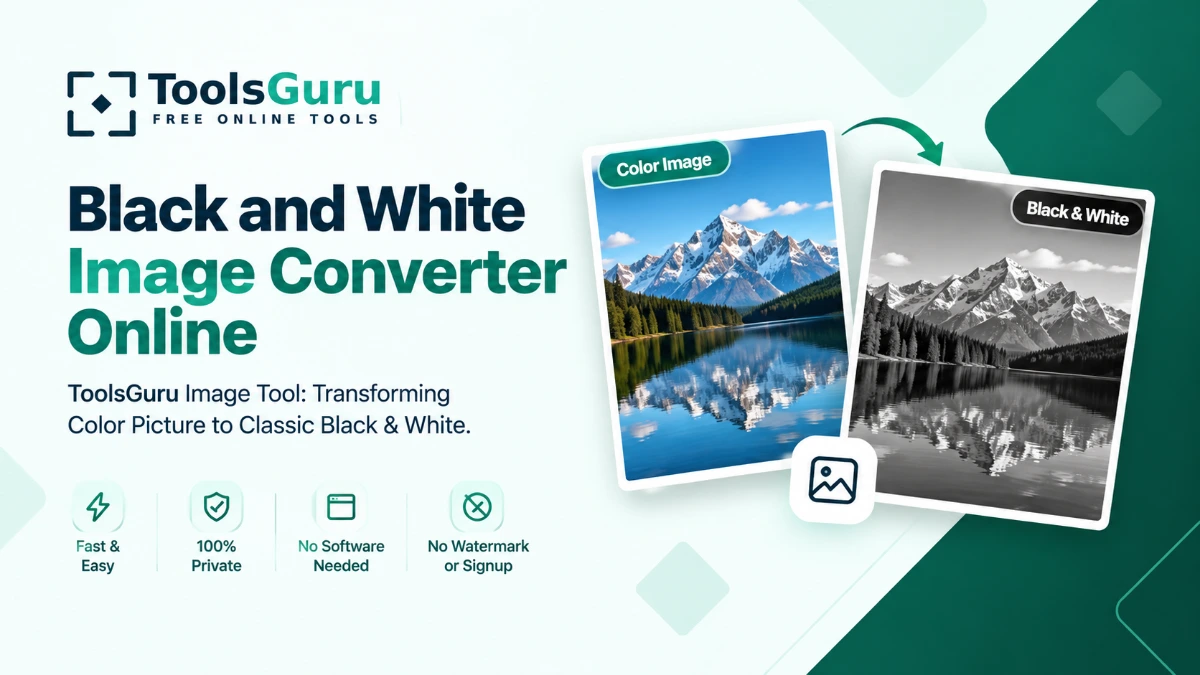
Use this free black and white image converter to turn a colour photo into a grayscale image online. Upload your picture, apply the black and white effect, preview the result, and download the converted image. No software installation or account is required.
- Upload your image — Select a JPG, PNG, WebP, or another supported image from your device.
- Apply the black and white effect — Click once to convert the full-color photo to black and white.
- Preview the result — Compare the grayscale version against the original before saving.
- Download the black & white photo — Click Go to Download to save it.
Why convert to black & white with ToolsGuru?
- Free online conversion: Convert images without paying for editing software.
- Simple editing: Apply the black and white effect without complicated settings.
- Browser-based processing: Your image is processed on your device rather than uploaded to a remote image-processing server.
- Preview before downloading: Review the converted image before saving your result.
- No watermark: Download your converted image without an added watermark.
Black and White Image Converter FAQs
How can I convert a colour image to black and white?
Open the black and white image converter, upload your photo, apply the grayscale effect, preview the result, and download the converted image.
Can I convert an image to black and white for free?
Yes. You can use this free online image converter to turn a colour photo into a black and white image without installing software or creating an account.
What is the difference between black and white and grayscale?
Grayscale images contain different shades of gray between black and white. A strict two-tone black and white image contains only black and white pixels. This tool applies a grayscale effect to your photo.
Can I convert a JPG or PNG image to grayscale?
Yes, you can convert supported JPG, PNG, and other image formats accepted by the upload tool. PNG transparency is preserved if supported by the converter.