
Crop Image Online Free
Crop any of your images in formats such as JPG, WebP, or HEIC online directly within your browser using ToolsGuru free image cropping tools.
Crop Image Online Free
Need to remove unwanted edges, crop a photo for a profile picture, or prepare an image for a website? Use this free online image cropper to select the exact part of your photo you want to keep. Upload an image, adjust the crop area, choose a supported aspect ratio, and download the result. No account or watermark is required.
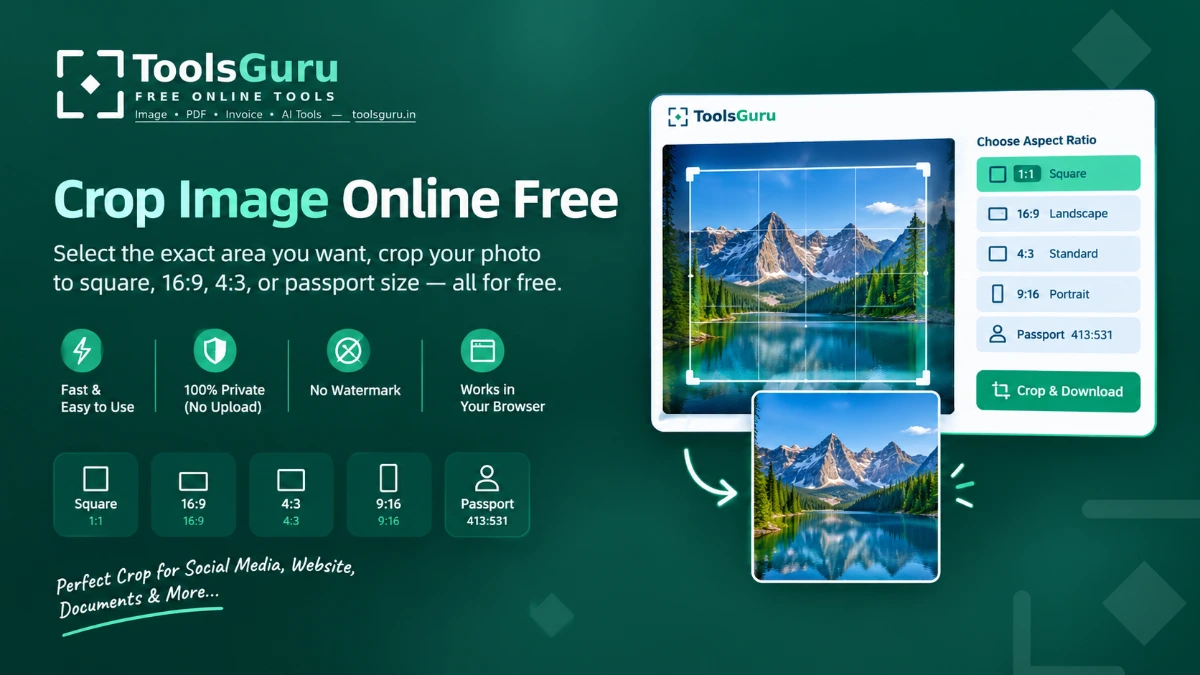
How to Crop an Image Online
- Upload — Go to the tool page and upload your JPEG, JPG, PNG, or WebP file.
- Drag to select the area — Drag the corners or edges of the crop box to frame the part of the image you want to keep.
- Download the cropped image — Click the 'Go To Download' button to save or download the cropped photo to your device.
Private Image Cropping in Your Browser
The crop tool processes images locally in your browser. Your image is not uploaded to the website for cropping. The tool is free to use and does not add a watermark.
Crop Images for Different Uses
Use a quick aspect-ratio button above to start with a correctly proportioned crop box, then drag to fine-tune before applying:
- Square image crop (1:1) — Useful for profile pictures and square social media posts.
- Landscape crop (16:9) — Useful for widescreen thumbnails and banners.
- Standard crop (4:3) — Useful for common photo and presentation layouts.
- Portrait crop (9:16) — Useful for vertical stories and reels.
- Passport photo crop — Starts with a 413:531 proportion. Verify the exact dimensions and requirements for your application.
Need to Resize or Compress Your Image?
Cropping changes the visible area of a photo, while resizing changes its pixel dimensions. If a form requires a specific width and height, use the Resize Image tool after cropping. If it requires a file-size limit such as 50KB or 100KB, use the Compress Image tool as well.
Photo Crop FAQ
Can I crop to a fixed aspect ratio?
Yes — drag the crop box to the proportions you need, for example a square for a profile photo.
Will cropping add a watermark?
No. Downloaded images have no watermark of any kind.
Can I undo a crop and start over?
Yes, use Discard Changes to reset to the original image before downloading.
Is cropping done on your servers?
No. Cropping happens locally in your browser — your image is never uploaded.
How do I crop an image to a square for Instagram?
Click the "Square 1:1" quick button above, drag the box to frame your subject, then click Apply Crop.
How do I crop a photo to passport size?
Use the "Passport Photo" quick button for a 413:531 (35x45mm) proportioned crop box, then adjust and apply — check your country's exact size requirement afterward using the Resize tool if needed.