
Mirror Image Online Free
Upload any image here and flip it horizontally or vertically.
How to Mirror an Image Online
If you want to reverse a photo or apply a mirror effect without installing any editing software, you can do so online using the 'Mirror Image' tool from Toolsguru. Just upload your photo to the tool, select the flip direction, view the result, and save the edited image.
- Upload your image — Click the Upload Image button or drag and drop your photo into the editor.
- Choose flip direction — Select Flip Image Horizontally to reverse the image from left to right, or Flip Image Vertically to flip it from top to bottom.
- Preview the result — Check how your mirrored image looks before saving it.
- Download the flipped image — Click Go to Download to save the flipped photo to your device.
Flip Image Horizontally or Vertically – What's the Difference?
The direction you choose changes how your photo appears. Select the option that matches the result you want.
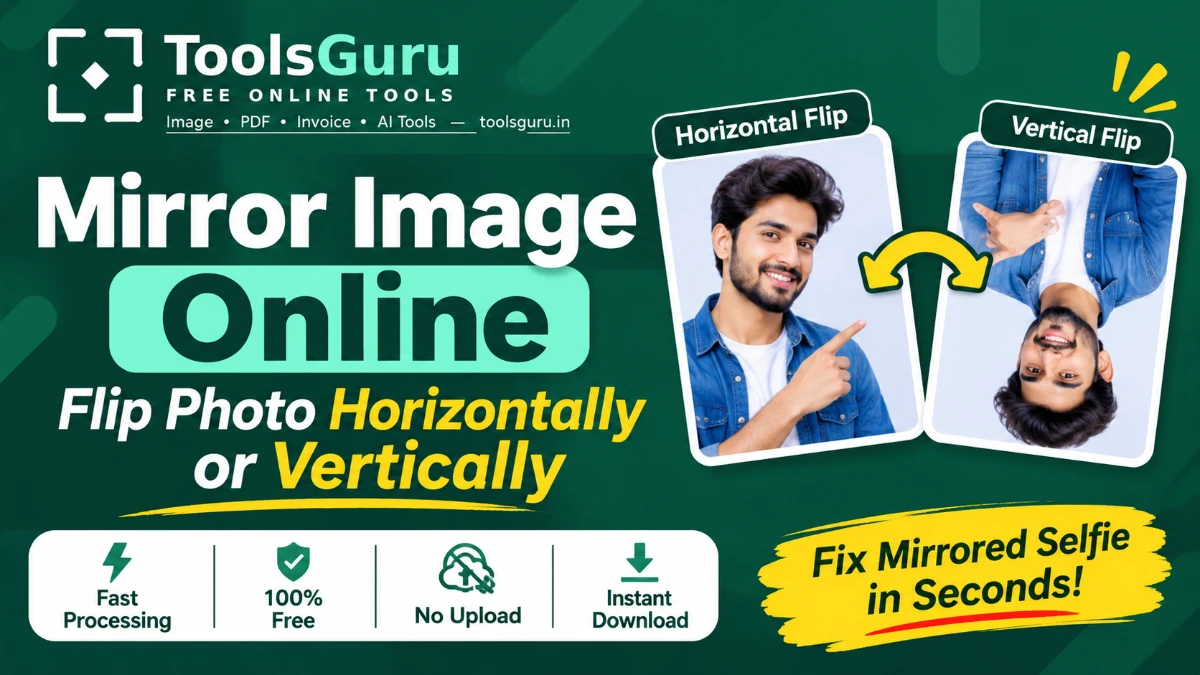
- Flip image horizontally — mirrors left-to-right, useful for correcting selfies or matching a design layout.
- Flip image vertically — mirrors top-to-bottom, useful for reflections and creative effects.
- Mirror photo online free — no software install, works directly in your browser on any device.
Mirror Image vs Rotate Image: What's the Difference?
Mirroring and rotation are two different ways to change the orientation of an image.
- Mirroring — Reverses an image across an axis, either left to right or top to bottom.
- Rotating — Turns an image around its centre, such as 90°, 180°, or 270°.
If you only need to turn a photo, try our Rotate Image Online tool.
Why Use This Free Online Mirror Image Tool?
- Horizontal and vertical flipping — Choose either direction according to your needs.
- Quick editing — Flip your image with a simple click.
- Live preview — Check the mirrored result before downloading.
- Free to use — Download as many mirrored images as you like, completely free.
Frequently asked questions
How do I mirror an image online for free?
Upload your photo to the Mirror Image tool, choose horizontal or vertical flipping, preview the result, and download the edited image. You can do this online without installing additional software.
Does mirroring an image reduce its quality?
Flipping does not resize or resample the image pixels. However, the final quality can depend on the output format and export settings.
How do I flip an image horizontally?
Upload your image and select the Flip Image Horizontally option. This reverses the picture from left to right, creating a mirror image.
How do I flip a picture vertically?
Upload your picture and click Flip Image Vertically. This reverses the image from top to bottom, making it appear upside down.
Is my photo uploaded when I use this tool?
No. Image processing happens directly in your browser on your device. Your photo is not uploaded to the ToolsGuru server.