
Resize Image Online Free
Change the width and height of your photo in pixels. It’s free, and your file stays within your browser.
Resize Image Online For Free
Do you need to resize your photo for an online form, website, or social media post? Upload your image, set the desired width and height in pixels, or resize it by a percentage. Maintain the original proportions of the image and download your resized photo for free.
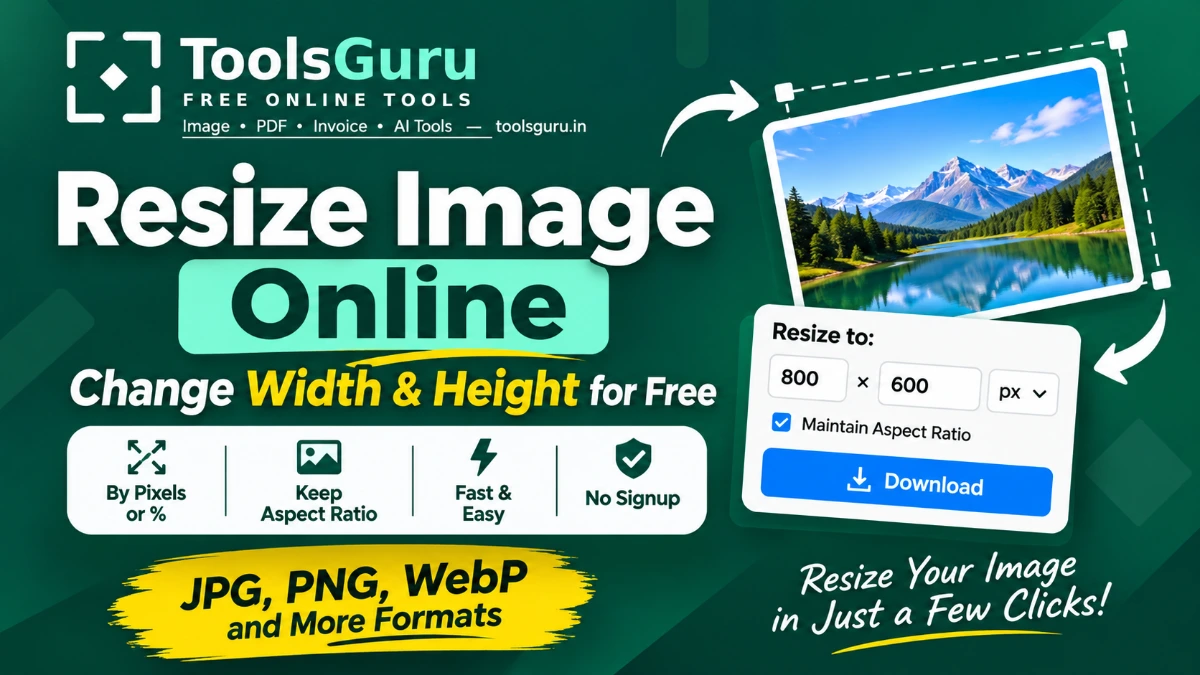
How to Resize an Image Online
- Upload your image — First, upload a JPG, PNG, WEBP, GIF, or BMP image from your device.
- Set new dimensions — Enter your required width and height in pixels. You can also resize the image by percentage.
- Keep the original proportions — Lock the aspect ratio to prevent your photo from looking stretched or squeezed.
- Preview your image — Check how the resized photo looks before downloading.
- Download the result — Click Go to Download to save your resized image.
Resize Image by Pixels or Percentage
Different websites or applications have varying requirements for image dimensions, often specifying a particular width and height, while others may only require a smaller version of your original photo.
ToolsGuru provides you with the option to adjust your image size to meet these requirements.
Resize Image to Exact Width and Height
If you need an image in specific dimensions for uploading to a website, you can adjust its width and height in pixels. For example, you can resize any of your photos to dimensions like 500 × 500 pixels or 1200 × 630 pixels.
This is useful when preparing images for online forms, profile pictures, website banners, or digital documents.
Resize Image by Percentage
If you do not know the exact pixel dimensions required for an image, you can resize it by using a percentage of its original size. For example:
- 50% reduces the original width and height by half.
- 75% reduces the dimensions to three-quarters of the original.
- 100% keeps the original dimensions.
Resize image to a specific size
Tap a quick-size button above, or set exact pixels/percentage manually. Common targets:
- Resize image to 1080x1080 — square format for Instagram and Facebook posts.
- Resize image to 1080x1920 — full-screen size for Instagram/Facebook Stories and Reels covers.
- Resize image to 1280x720 — standard YouTube thumbnail dimensions.
- Resize image to 820x312 — Facebook cover photo size.
- Resize image for passport photo — 413x531 px (35x45mm at 300 DPI), a common government-form requirement.
- Resize image to 50% or any custom percentage — shrink dimensions proportionally without typing exact pixels.
Why Use ToolsGuru Image Resizer?
Resizing a photo should be quick and straightforward. ToolsGuru provides the essential options to change image dimensions without installing additional software.
- Free image resizing — Resize images without a subscription or signup.
- Exact pixel dimensions — Set the width and height you need.
- Percentage resizing — Reduce or enlarge image dimensions proportionally.
- Aspect ratio control — Maintain the original proportions to avoid distortion.
- Quick-size presets — Choose ready-made dimensions for social media and passport photos.
- Multiple image formats — Work with JPG, PNG, WebP, GIF, and BMP.
- Browser-based processing — Your images are resized locally on your device.
- No watermark — Download your resized image without an added watermark.
Photo Resize FAQ
How do I resize an image to a specific pixel size?
Upload your image to ToolsGuru, enter the required width and height in pixels, and download the resized result. Keep the aspect ratio locked if you want to maintain the original proportions.
What is the difference between resizing and compressing an image?
Resizing changes the width and height of an image in pixels. Compression reduces the amount of storage space the image uses, usually measured in KB or MB.
Can I resize a photo on my mobile phone?
Yes. Open ToolsGuru in your mobile browser, select a photo from your device, enter the required dimensions, and download the resized image.
Can I resize an image by percentage?
Yes. ToolsGuru lets you resize images by percentage instead of entering exact pixel dimensions.
What size should I resize a photo for a passport application?
A common passport photo size is 413x531 pixels (35x45mm at 300 DPI) — use the "Passport Photo" quick button above, then check your specific country's exact requirement.
What image size is best for Instagram or YouTube?
Instagram posts look best at 1080x1080 pixels, Stories at 1080x1920, and YouTube thumbnails at 1280x720 — all available as quick-size buttons above.