
JPG Size Reducer – Compress JPG to KB Online
Reduce JPG or JPEG file size in KB with quality control or a target size like 20KB, 50KB, 100KB, or 200KB.
Reduce JPG Size Online
You can use a free JPG size reducer to reduce the file size of your JPG and JPEG images online. You can convert large photos into smaller files, reducing the image size to a specific value in KB or selecting a target size such as 20KB, 50KB, 100KB, or 200KB.
Upload your JPG or JPEG image and adjust the compression quality, or use the 'Compress to Size' option if you need to fit the image within a specific file size limit. Compression takes place directly in your browser, so your image is not uploaded to a server.
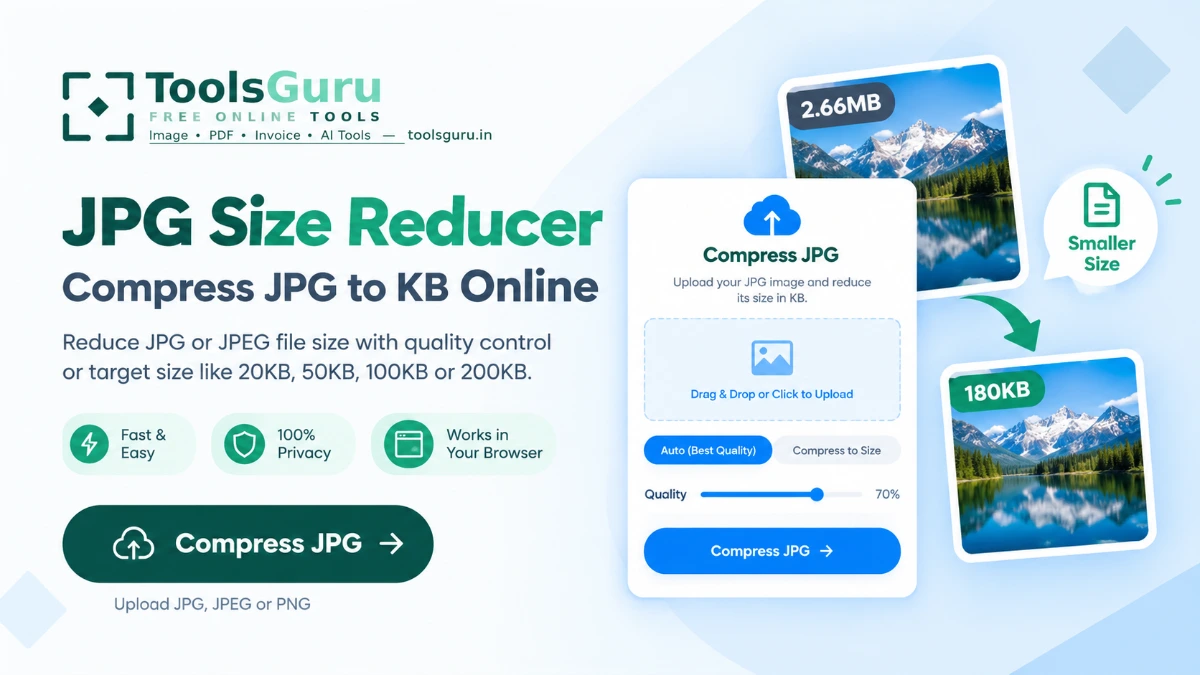
How to Reduce JPG Size in KB
It takes just a few steps to reduce the size of a JPG image:
- Upload your JPG or JPEG — Select an image from your device or drag and drop it into the tool.
- Choose the compression method — Use the quality slider for standard JPG compression, or select 'Compress to Size' for a specific KB target.
- Set the target size — Enter the maximum size you need, such as 50KB, 100KB, or 200KB.
- Compress the image — This tool adjusts the JPG quality to reduce the file size while delivering the best possible quality for the selected size.
- Download the smaller JPG — Check the resulting file size and download your compressed image.
Reduce JPG Size to 20KB, 50KB, 100KB or 200KB
Many online forms and applications have a maximum limit for image size. If your JPG photo is too large, you need to reduce its size (lower the file size in KB) before uploading it.
For common size requirements, use these tools:
- Photo to 20KB
- Photo to 50KB
- Photo to 100KB
- Photo to 200KB
JPG Size Reducer in KB
A JPG size reducer shrinks the file size of a JPEG image (measured in KB), thereby saving storage space. This tool is particularly useful when you need to Convert Image a photo from MB to KB, as many online forms only accept files within the KB range.
For example, a 2 MB JPEG image can be compressed into a much smaller file; the final result depends on factors such as the image's dimensions, level of detail, colors, and the target file size.
Why Reduce JPG File Size?
Uploading, sharing, or using large JPG photos on a website can be difficult. Reducing the image size helps with these processes:
- An online form has a strict photo-size limit.
- A government or exam application requires a small JPG file.
- You need to send a smaller photo by email or messaging.
- A website needs smaller image files for faster loading.
- Your phone photo is several MB and you need it in KB.
- You need to reduce a photo without changing its basic JPG format.
Reduce image size in KB FAQ
How can I reduce JPG size in KB?
Upload your JPG or JPEG image and choose Compress to Size. Enter the maximum KB size you need, such as 50KB or 100KB, and compress the image.
Can I reduce a JPG to 50KB or 100KB?
Yes. Use the target-size option and enter 50KB, 100KB, or another size you need. You can also use the dedicated Photo to 50KB and Photo to 100KB tools.
Will this work on a JPEG from my phone?
Yes — most phone photos are already JPEG, so this is one of the most common use cases for this tool.
Can I compress JPG without losing quality?
JPG compression normally involves some quality loss. Moderate compression can keep the visual difference small, but very small targets such as 20KB may require stronger compression.
What if I need a specific KB size like 20KB or 50KB?
Use the quick links below to jump straight to a page with that target already configured, such as Photo to 20KB or Photo to 50KB.