
Compress Photo to 20KB Online Free
Welcome to Toolsguru 20KB image tool — compress your image to the 20KB limit or close to it without any Problem!
Compress Photo to 20KB Online
Do you need to upload an image for an application or admission form on various websites? Often, there is a strict file size limit—such as 20 KB—and exceeding it results in upload errors. ToolsGuru offers an image tool that compresses your image to 20 KB or less. It allows you to resize and compress images directly in your browser, eliminating the need to upload the original, oversized file to a server.
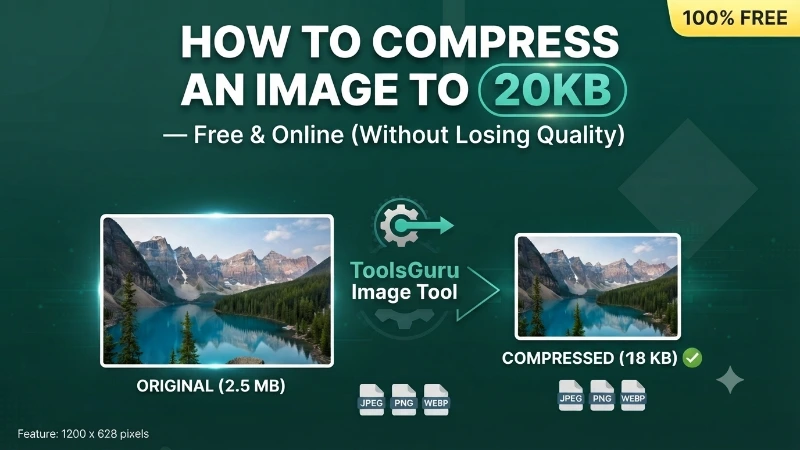
How to Compress a Photo Under 20KB
Follow these simple steps to make your photo smaller:
- Select your photo — Choose the image you want to compress from your computer or mobile device.
- Adjust the size — Set the target to 20KB or lower, depending on the available options.
- Compress the image — The tool automatically searches for the highest quality that still fits under the limit.
- Download the result — Check the new file size, then click Go to Download to save it.
When Do You Need a Photo Under 20KB?
A photo under 20KB may be needed when an online portal sets a strict upload limit. A photo size reducer can help you prepare a smaller image for:
- Government job application forms
- Competitive examination registration
- Online admission and registration forms
- Websites with strict photo upload limits
- Digital applications that specify a maximum image size
ToolsGuru Supported Image Formats
It supports standard image formats like JPG, JPEG, and PNG, and provides the output in JPEG format—which compresses photographic images more effectively than PNG; however,if you specifically need to keep a PNG's transparency, use Convert Image instead.
What Does 20KB Mean for a Photo?
KB stands for "kilobyte," a unit used to measure the size of a digital file. When a website asks you to upload a 20KB photo, it is referring to the file size of the image, not its width or height. For example, a 150KB photo contains more data than a 20KB photo. Compressing a large image reduces the amount of data within the file. Depending on the image and the compression method used, this may also affect the image quality.
Keep in mind that "20KB," "less than 20KB," and "at least 20KB" do not all mean the same thing:
- 20KB: The requested file size is approximately or exactly 20KB, depending on the requirement.
- Under 20KB: The image must be smaller than 20KB.
- At least 20KB: The image must be 20KB or larger.
Always read the instructions on the application website carefully. If it says “less than 20KB,” a file that is exactly 20KB may not meet the requirement.
Compress Photo to 20KB on Mobile or Computer
You can prepare a smaller photo on a mobile phone, laptop, or desktop computer, provided your browser and the tool support the image format. Open the ToolsGuru Photo to 20KB page, select your image, adjust the settings, and save the compressed result.
Before uploading the file, check its actual size and confirm that it meets the website's image requirements. This helps avoid unnecessary upload errors and repeated attempts.
Frequently asked questions
How To Reduce Photo Size to 20KB?
To reduce a photo to 20KB, simply upload your image to Toolsguru Photo to 20KB tool, and it will be instantly converted to 20KB.
How To Make 20KB Photo in Mobile?
You can easily create a 20KB photo on your mobile for free using Toolsguru Photo to 20KB tool.
Will my photo look exactly 20KB, or could it be smaller?
The tool aims to get as close as possible to 20KB while staying at or under it — the final file may be a little smaller than 20KB but will not exceed it.
Photo ko 20KB Me Kaise Kare?
You can easily reduce the size of your photo to 20KB using free online tools like Toolsguru Image Tool.
Can I compress to a different size instead?
Yes — use the related size links below, or visit the main Compress Image tool to enter any custom KB or MB target.