
Signature to 20KB Online
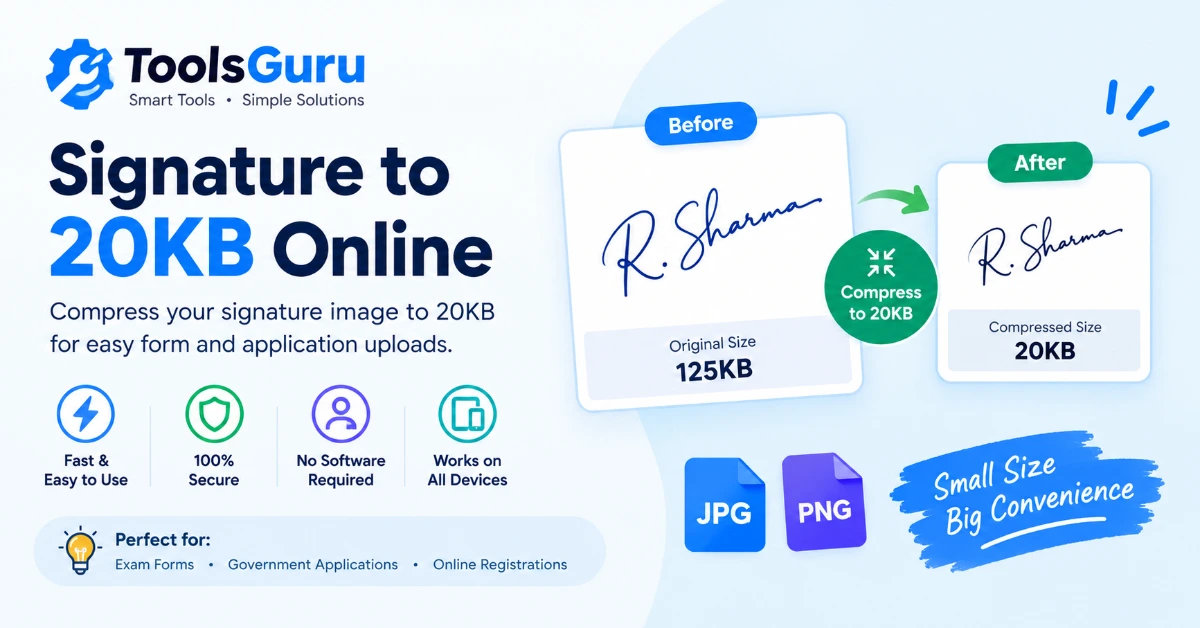
Upload a scanned signature and compress it to 20KB — the target size is already set.
Compress Signature to 20KB Online
Does your signature image exceed the file-size limit of an online application form? Use this free Signature to 20KB tool to reduce the size of your scanned signature. Upload your image, and the 20KB target is already set, so you can start without adjusting the settings manually.
This tool is useful when a recruitment form, examination portal or other website asks you to upload a signature with a maximum file size of 20KB. You can compress a supported image and download a smaller file for your application.
Before uploading, check the form instructions for the required file format, dimensions and maximum size. A signature that meets the file-size limit must still be clear and readable.
How to Reduce Signature Size to 20KB
- Upload your signature — Click Upload Image or drag a file into the box above.
- Confirm the target size — This page already has the target size set to 20KB — no manual setup needed.
- Compress the image — The tool automatically searches for the highest quality that still fits under the limit.
- Download the result — Check the new file size, then click Go to Download to save it.
Why Reduce a Signature to 20KB?
Signature uploads are almost always capped tighter than photo uploads because they need far less detail to remain valid. 20KB is the size most often requested for:
- Exam and recruitment forms — SSC, banking and university applications frequently ask for a signature under 20KB, alongside a separate passport photo.
- Government e-form portals — Aadhaar, PAN and similar services often request a small signature scan alongside identity documents.
How to Make a Clear Signature Image Before Compression
A good source image can make a noticeable difference to the final result. Before using the signature size reducer, follow these tips:
- Sign on clean, plain white paper.
- Use dark blue or black ink so the signature stands out against the background.
- Scan or photograph the paper in even lighting.
- Avoid shadows, glare, wrinkles and tilted photographs.
- Crop unnecessary blank space around the signature.
- Check that the complete signature remains visible after cropping.
Supported Signature Image Formats
Upload JPG, JPEG or PNG (most other common image formats will also open). The result is delivered as an optimized JPEG, which compresses photographic images far more efficiently than PNG — if you specifically need to keep a PNG's transparency, use Convert Image instead.
Signature Image Size: 20KB vs. Maximum 20KB
Check whether your application requires a maximum file size or a specific size range.
- Maximum 20KB: The image must not exceed the stated limit. A smaller file may be acceptable if the portal has no minimum-size requirement.
- A specified size range: Some forms set both a minimum and a maximum file size. In that case, the downloaded image must fall within the stated range.
Signature to KB FAQ
How can I compress my signature to 20KB online?
Upload your signature image to this page. The 20KB target is already configured, so you can process the image, review the result and download the smaller file.
Can I reduce a JPG signature to 20KB?
Yes, you can upload a supported JPG signature and use the preset compression target. Check the downloaded file to confirm its size and readability.
Can I convert a PNG signature to 20KB?
You can upload a supported PNG signature and compress it using this tool. The output is an optimized JPEG, so transparency in the original PNG will not be preserved.
Is my signature image uploaded to a server?
No, compression happens entirely in your browser using the Canvas API — your file is never sent anywhere.
Can I compress a signature to a different size?
Yes — use the main Compress Image tool and enter any custom KB target.