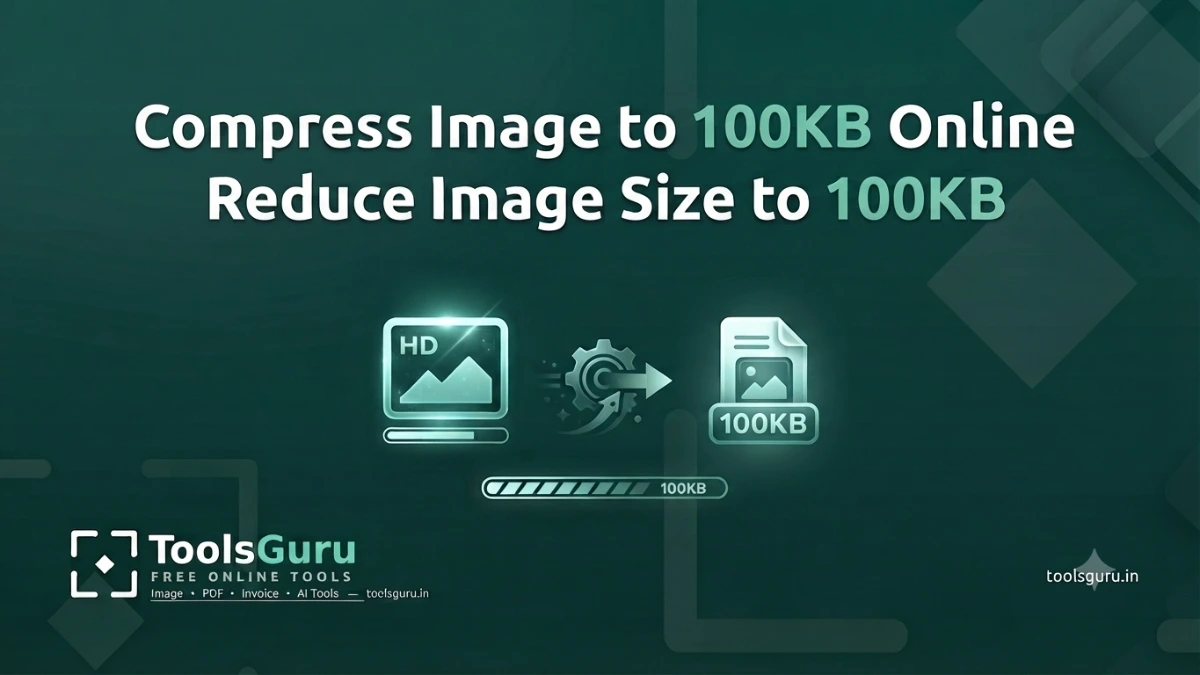
Compress Image to 100KB: If your JPG, PNG, or WebP image exceeds 100KB—and you need to meet a 100KB limit for an online form, application, website, or document—you will need to reduce its size. However, simply reducing the file size isn't enough; the image quality must remain high enough so that text, faces, and essential details remain clearly visible.
With the help of Toolsguru.in, you can compress your images online using a phone or laptop to reduce their file size. Below, I will explain how to compress an image to 100 KB, what to do if the image size remains above 100 KB, and how to fix any loss in quality after compression.
Quick Solution: Upload image → Select 'Compress to Size' → Target 100KB → Compress → Preview and download.
Compress Image to 100KB
If your goal is simply to bring the image size down to around 100KB, start with the tool below.
Steps to create a 100KB image
- Search for Toolsguru.in on Google using your phone or laptop.
- Open the 'Compress Photo to 100KB' tool from the Toolsguru homepage.
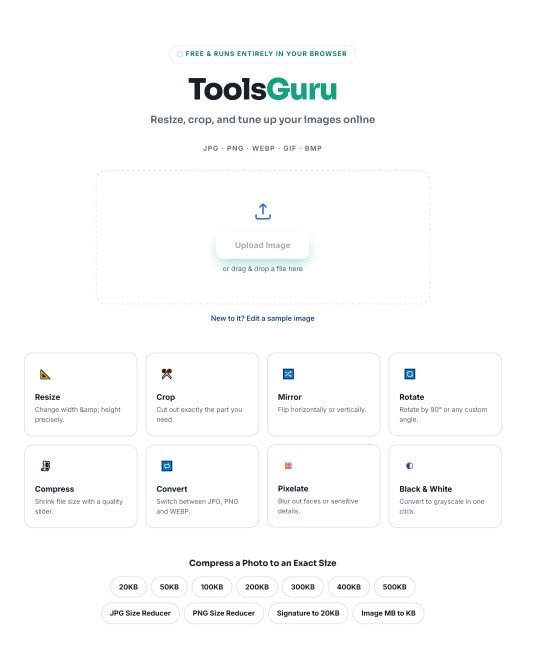
- Upload your image by clicking the upload button.
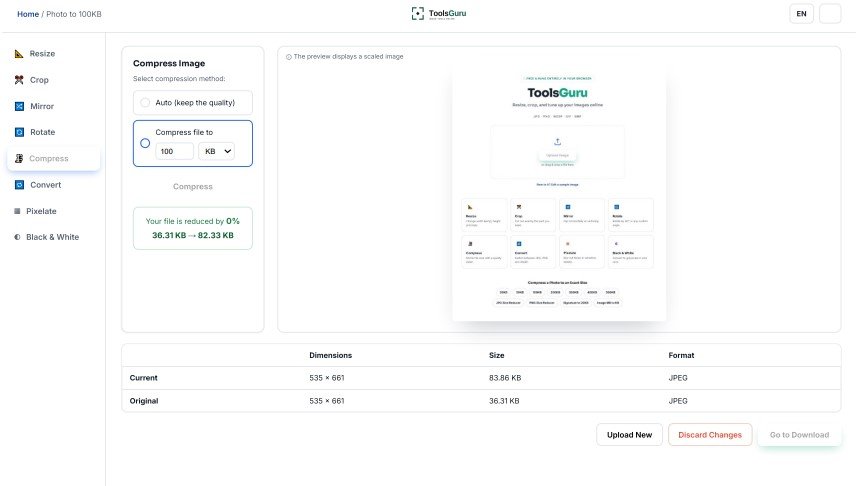
- Your image will be instantly converted to 100 KB.
- Now, download the image by clicking the 'Go To Download' button.
Why is there a need to reduce an image to 100KB?
You need to compress your JPG, PNG, or WebP image to under 100KB when a website or a recruitment, application, or exam form requires the photo to be within a specific size limit. This does not mean that your image is of poor quality; for example...
Original Image: 850KB But the website's requirement: Maximum Size: 100KB
850KB → 100KB Convert image Size
Read More: How to Reduce Image Size to 50KB
How to compress an image to 100KB?
We have explained how to compress images to 100 KB through a video on our YouTube channel, so that you can easily understand the process.
How to reduce a JPG image to 100KB?
If your image is in JPG/JPEG format, you can convert it to 100 KB for free using TulsGuru's compression tool.
Example : JPG Photo – 450KB
↓
Compress
↓
98KB JPG
How to reduce a PNG image to 100KB?
PNG files often have a larger file size compared to JPGs, especially when the image contains high-resolution graphics or transparency.
If you are struggling to reduce the PNG file size to 100KB, first consider whether it is essential to keep the image in PNG format.
If transparency is not required, converting it to JPG or WebP format could be an option.
You can change the format using ToolsGuru's image converter.