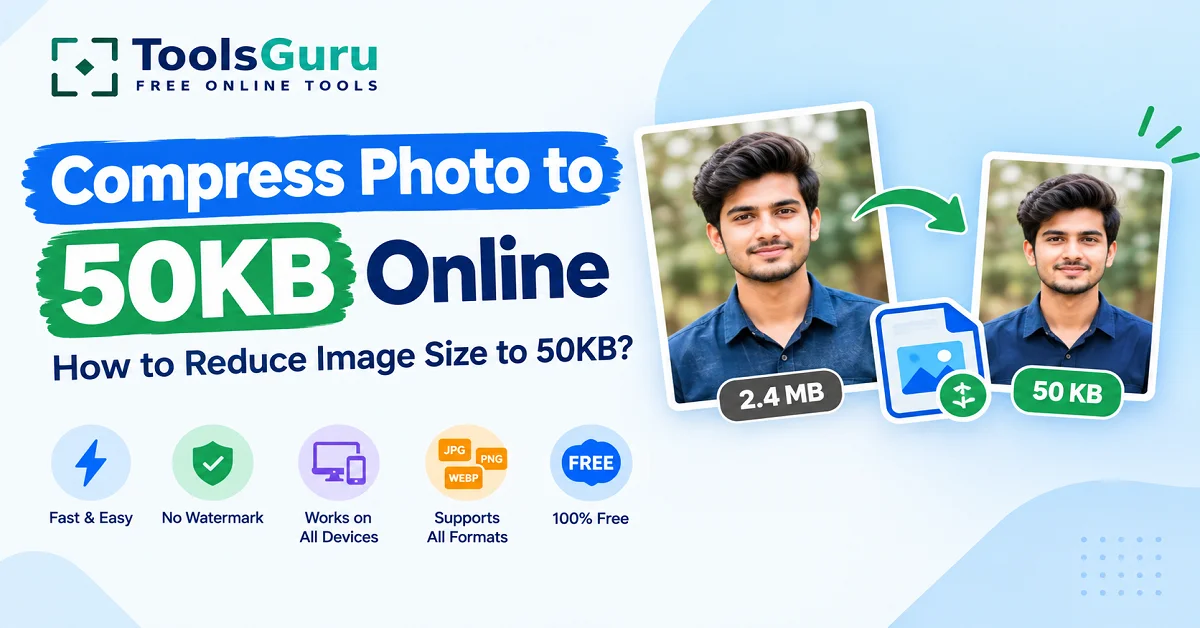
Compress Photo To 50KB: If you have an image in JPG, PNG, or WebP format that you want to compress to 50KB, you can easily do so online with a single click using our ToolsGuru website.
This is because applications for government recruitment, exams, admissions, and SSC exams often require photos and signatures to be within a specific size limit—such as 50KB.
If your original image is 500KB, 1MB, or 2MB in size, you can use the ToolsGuru "compress to 50KB" tool to reduce it to around 50KB. Compress your photo to 50KB online for free here.
If you need to reduce image sizes to specific KB values, check out our "Reduce Image Size in KB Online" guide.
How to reduce a 2MB photo to 50KB?
I am going to explain it to you with the help of an example image.
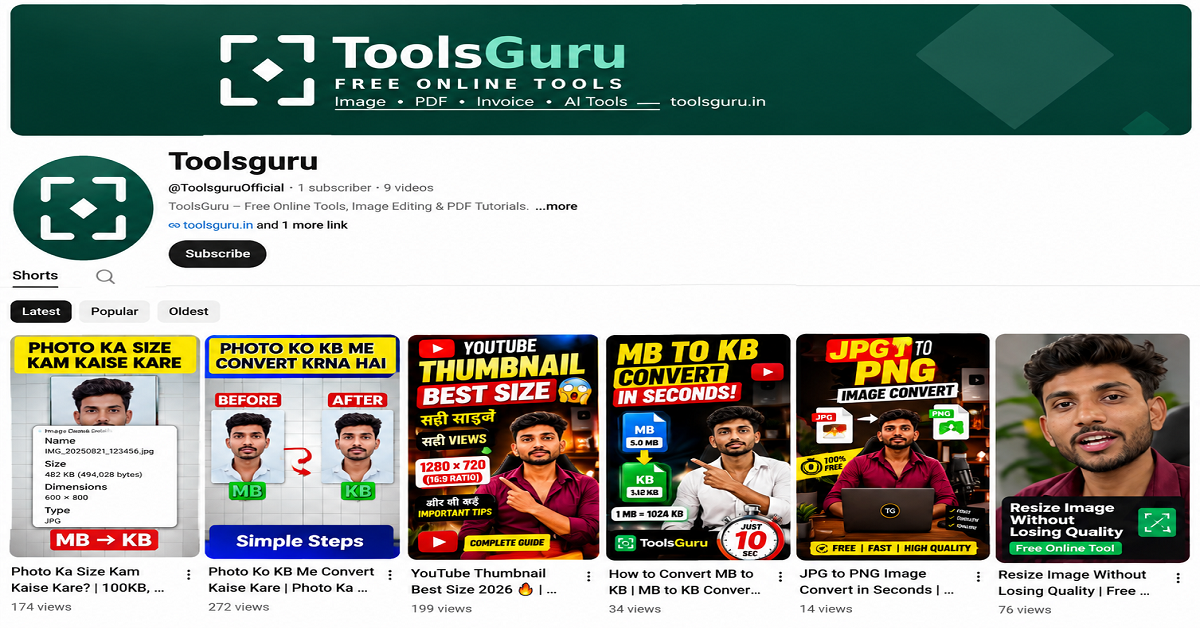
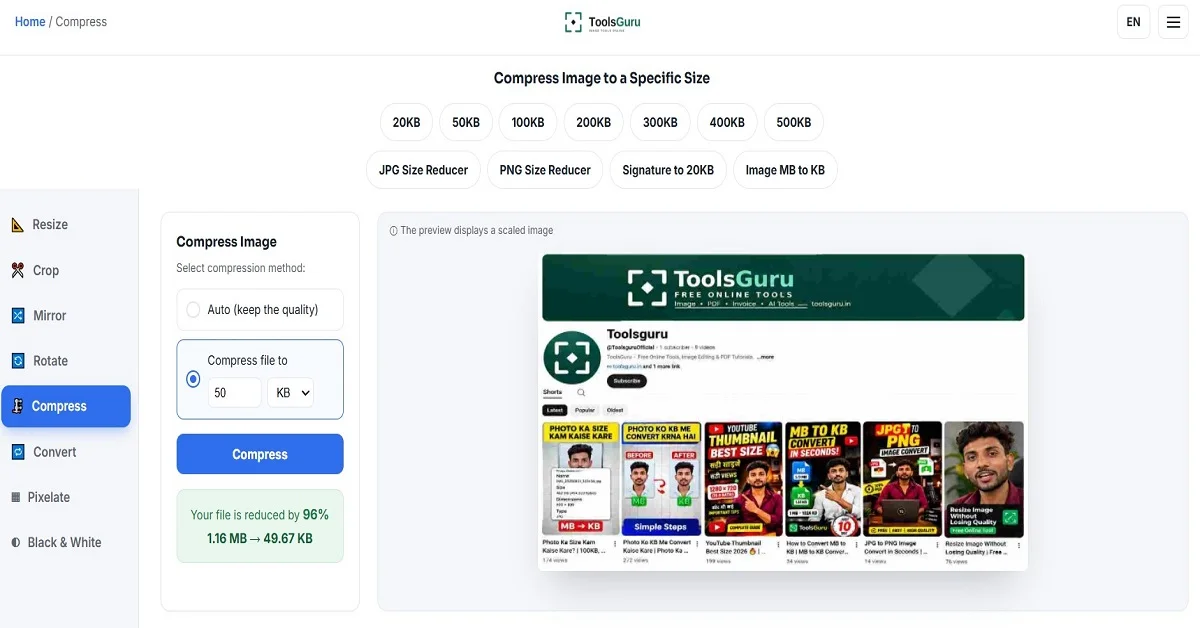
The size of this image is 1.16 MB; we will show you how to convert it to 50 KB.
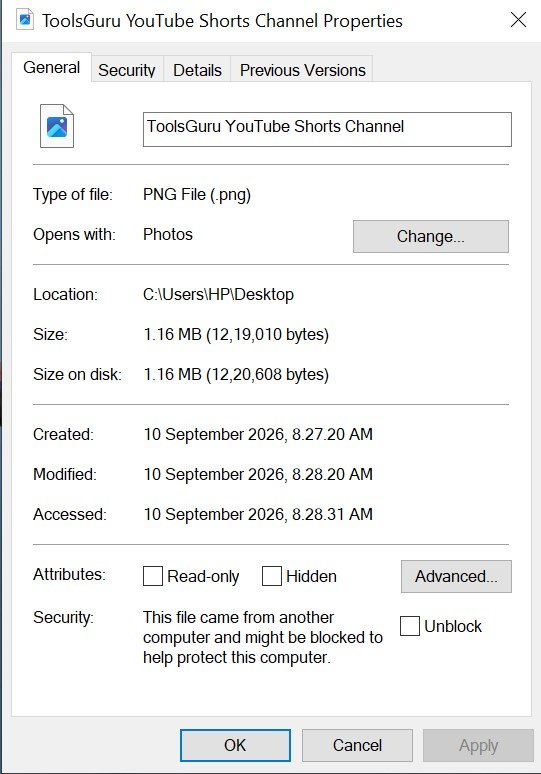
How to Reduce Image Size to 50KB
Here is a step-by-step guide on how to reduce an image to 50KB for free using ToolsGuru.
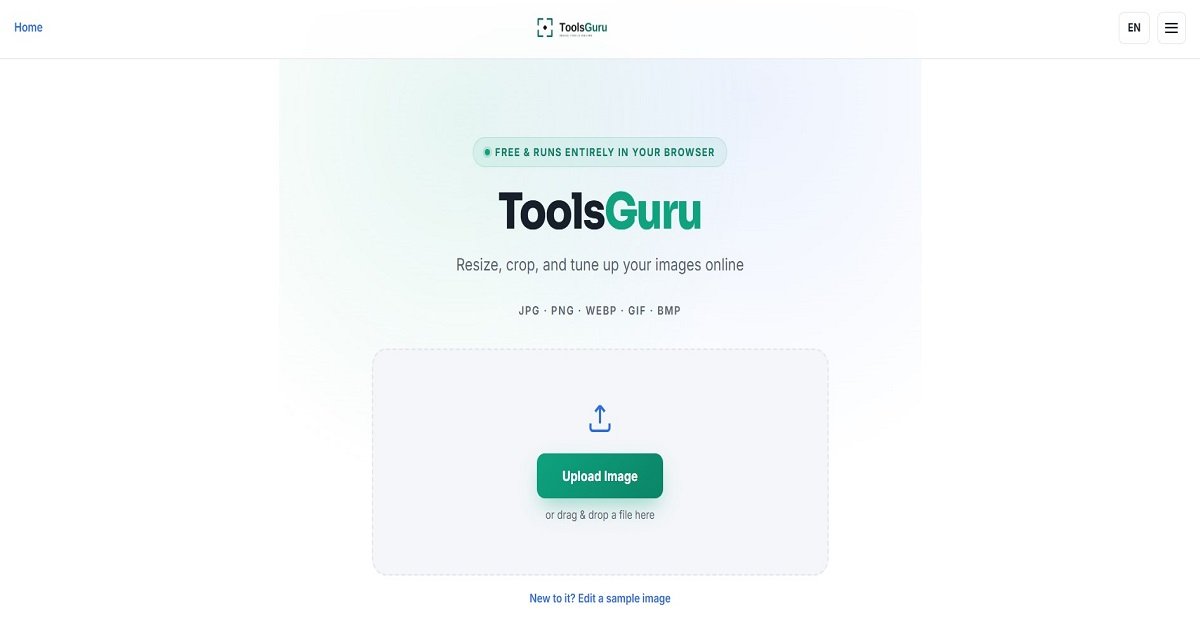
- Search for ToolsGuru.in on Google.
- Now open Tools Guru, and the home page will open.
- Open the 'Compress Image' tools by clicking on the menu.
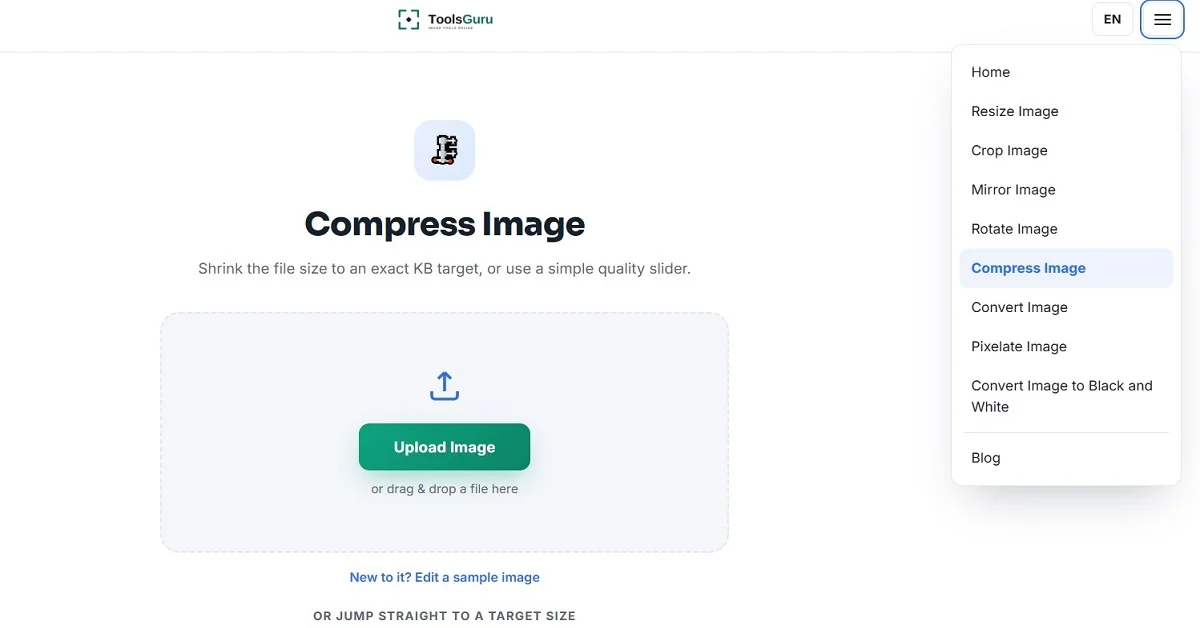
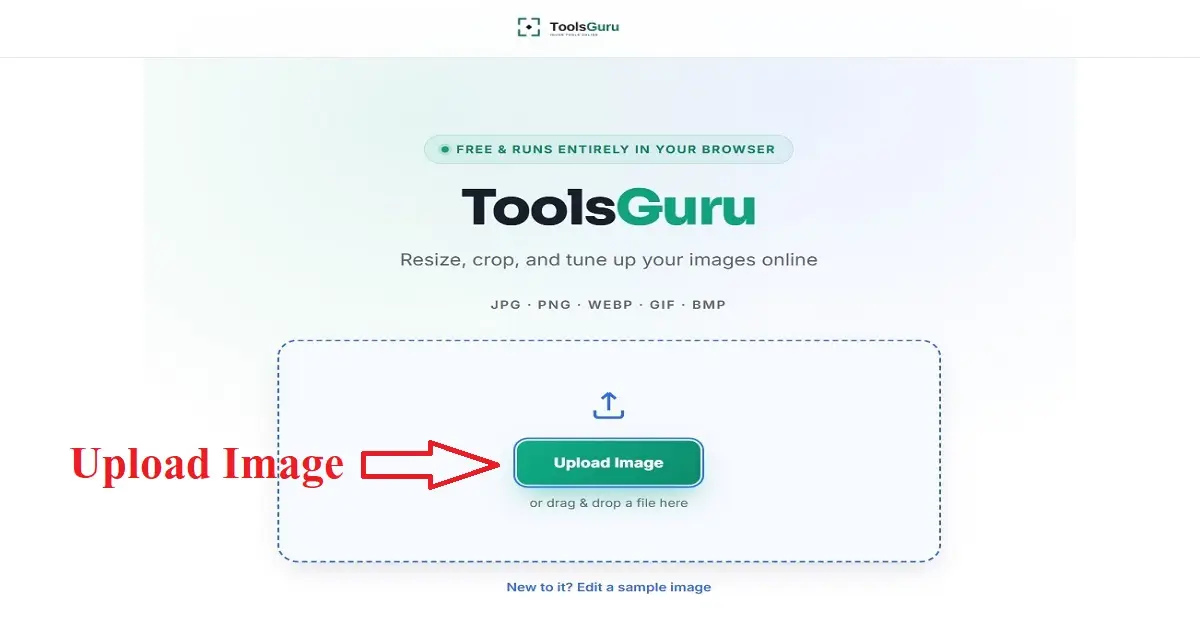
- Now you have to upload the image by clicking on Compress To 50KB.
- Your image has now been compressed to 50 KB; you can download it using the 'Go to Download' button.
Explain the difference between "less than 50KB" and "exactly 50KB".
If your website or application specifies a maximum file size of 50KB, your image must be 50KB or smaller.
Example :
- 48KB ✅
- 49KB ✅
- 50KB ✅
- 51KB ❌
However, a portal states that the file size should be between 20 KB and 50 KB.
So, your image needs to be larger than 20 KB and smaller than 50 KB.
Example:
- 19KB ❌
- 20KB ✅
- 48KB ✅
- 49KB ✅
- 50KB ✅
- 51KB ❌
The photo is 50KB, yet it still won't upload?
If your image still isn't uploading even after resizing it to 50 KB, this could be the problem.
- Wrong file format: The website might only accept JPG/JPEG files.
- Incorrect dimensions: The portal might require 200 × 230 px, whereas your image is 1000 × 1000 px.
- Different file size limits: Some specify a maximum of 50 KB, while others require a range of 20–50 KB.
- Filename issue: Some older portals do not accept filenames containing special characters.
Before Uploading Your 50KB Photo
- File size is 50KB or within the required limit
- Format is correct
- Dimensions meet the requirements
- Photo is clear
- Face/photo cropping is correct
- Filename is simple
- Original photo is saved separately
compress photo to 50kb online free FAQ
how to compress photo size to 50kb
With the help of Toolsguru's compression tools, you can compress your image to 50KB with a single click.
Read Also:
↳ Compress Photo to 50KB
↳ Photo to 200KB