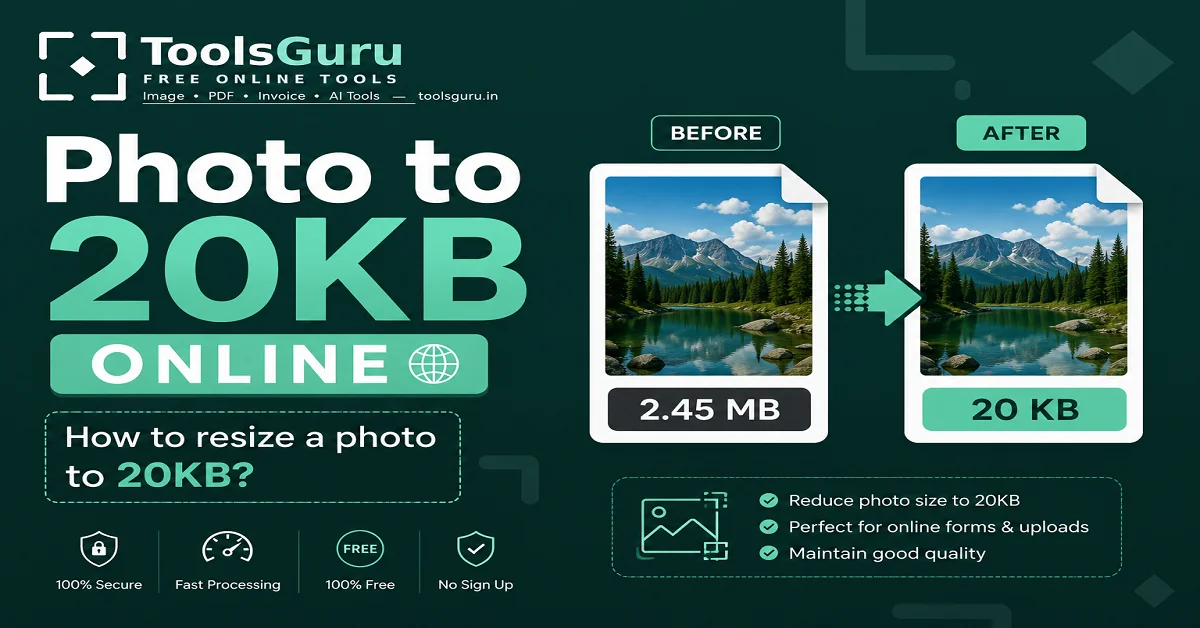
Photo to 20KB Online: If you want to resize any of your photos or images to 20KB, you can do so for free online using the Toolsguru website. This is particularly useful because online forms—such as those for government applications, exams, admissions, or document uploads—often require a maximum photo file size of 20KB or thereabouts.
In this article, we will show you how to compress a photo to 20KB using the ToolsGuru website; this process resizes and reduces your image file, allowing you to prepare the photo according to your required size.
Compress Image To 20KB Online
You can directly resize the image using Toolsguru's 20KB compression tools.
Steps to reduce a photo to 20KB
- You need to upload your photo from your device.
- Now, your image will be automatically converted to 20 KB.
- After that, click the 'Go to Download' button to download the image.
Read Also: If you want to reduce the size of a photo or image to 10KB, 50KB, 100KB, or 200KB—and not just 20KB—you can check out our complete guide.
Why does a photo need to be reduced to 20KB?
Many online forms and websites impose file-size limits for image uploads. For instance, a form might specify a maximum photo size of 20KB. Consequently, you need to adjust your image to meet this 20KB limit if your photo is:
- 500KB
- 1MB
- 2MB
- or larger
Attempting to upload it directly could result in errors such as "file size exceeds the limit." Therefore, it becomes necessary to resize the photo to around 20KB or within the required limit.
Resize or compress to create a 20KB photo?
Resizing and compressing might seem similar to you, but they are actually different.
If your primary goal is to reduce the photo's file size to 20KB, compression might be the most relevant approach. While you can use compression to achieve a 20KB size, if the image dimensions are also very large, you can use a combination of resizing and compression.
For what purposes can a 20KB photo be useful?
A 20KB photo is required for various online applications.
- Online application forms
- Government forms
- Exam application forms
- College admission forms
- Scholarship forms
- Job application forms
- Registration forms
- Profile photo upload
- Document submission
- Website image upload
Is it necessary for the photo to be exactly 20 KB, or can it be less than 20 KB?
If a form, website, or application for admission or an exam requires a photo of at least 20 KB, you can submit one that is 20 KB or smaller.
How do I maintain the quality of a 20KB photo?
Excessive compression can reduce your image quality. Therefore, it is important to strike a balance between file size and image quality.
For better results:
- Resize very large images first.
- Avoid over-compressing.
- Keep a copy of the original image safe.
- Check the final image after downloading it.
- Make sure that text or facial details in the photo are clearly visible.
How to reduce a JPG photo to 20KB?
If your photo is in JPG format, you can use ToolsGuru's image size tool to reduce it to 20KB.
Basic process:
Upload JPG → Select 20KB → Process → Download
JPG is a commonly used image format for photographs, and its file size can be significantly reduced through compression.
Related Tool:
How to reduce a PNG photo to 20KB?
PNG images often have a larger file size compared to JPGs, especially when they feature transparency or detailed graphics.
If you need to reduce your PNG image size to under 20KB, try compressing the image first.
If you do not achieve the required size, you can reduce the image dimensions or convert the format as needed.
Related Tool:
→ Compress Image to 20KB
How do I check the size of the photo after reducing it to 20KB?
After downloading the image, you can check its size by viewing the file properties.
On Windows:
Right-click → Properties → Size
On Mobile:
Gallery/File Manager → Image Details
It is important to check this because the target size shown in the tool sometimes differs from the actual size of the downloaded file.
Compress image to 20KB FAQ
how to make 20kb photo in mobile?
You can now create a 20KB image right from your mobile using Toolsguru. Simply visit the official Toolsguru website, select the 'Photo to 20KB' option within the compression tool, and upload your photo; the image will be instantly converted to 20KB.
Can a JPG be reduced to 20KB?
Yes, JPG images can also be reduced to 20KB by compressing and resizing them using Toolsguru.