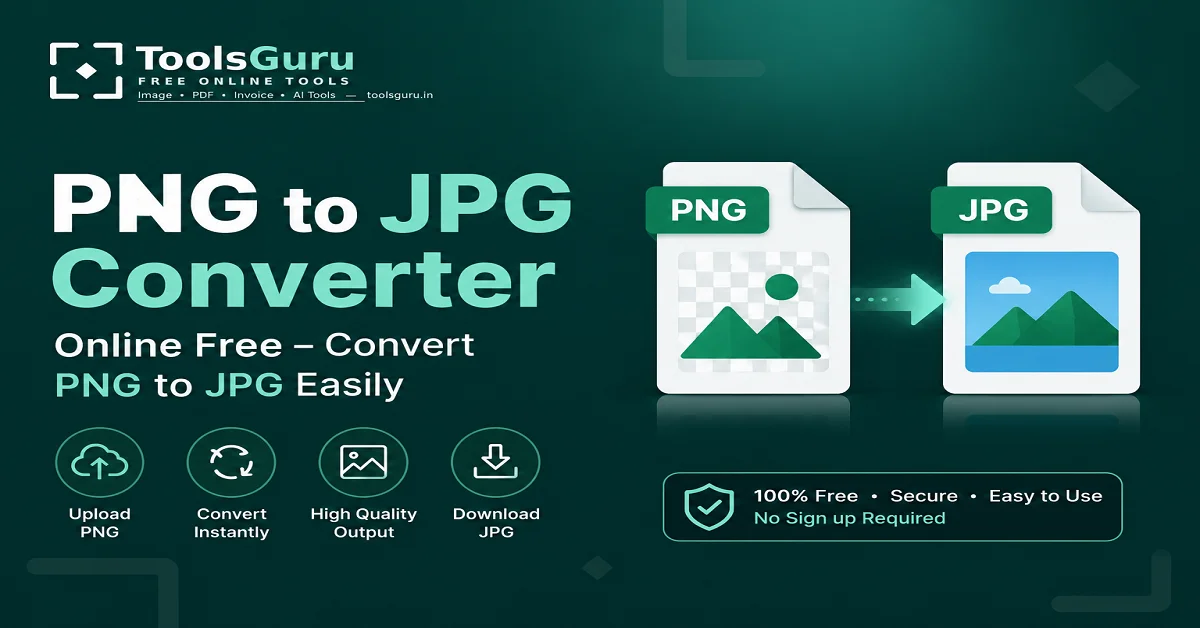
PNG to JPG Converter: First of all, let us clarify that while PNG and JPG are both popular image formats, they serve different purposes. If you have a PNG image and need to convert it to JPG format, you can do so for free—even using your phone—via ToolsGuru.in.
With ToolsGuru's image conversion tools, you can easily convert a PNG image to JPG in just a few steps. Converting PNG to JPG is particularly useful when you need to reduce the file size for website uploads, online forms, emails, or social media.
In this guide, we will explore how to use the free online PNG-to-JPG converter, understand the differences between PNG and JPG formats, and learn what to keep in mind to maintain good image quality.
What is a PNG to JPG converter?
The PNG to JPG Converter on Toolsguru is an online tool that allows you to easily convert PNG images to JPG or JPEG format for free.
While PNG images offer features like transparency and lossless quality, the JPG format is often more practical in many situations because JPG files typically require less storage space, making them ideal for photographs and web images.
If you prefer not to install software, you can use Toolsguru's online PNG to JPG converter directly in your web browser.
Also read: Want to convert an image from MB to KB?
Why convert PNG to JPG?
There are several common reasons for converting PNG to JPG:
- Reducing the image file size
- Uploading the image to a website
- Submitting the image in JPG format for an online form
- Easily sending the photo via email
- Creating a format compatible with social media
- Uploading the image to a platform that requires JPG Saving storage space
How to use the free online PNG to JPG converter?
If you also want to convert PNG to JPG online for free, you can do so by following the step-by-step process on ToolsGuru.
- First, search for "Toolsguru.in" on Google on your device and open the website.
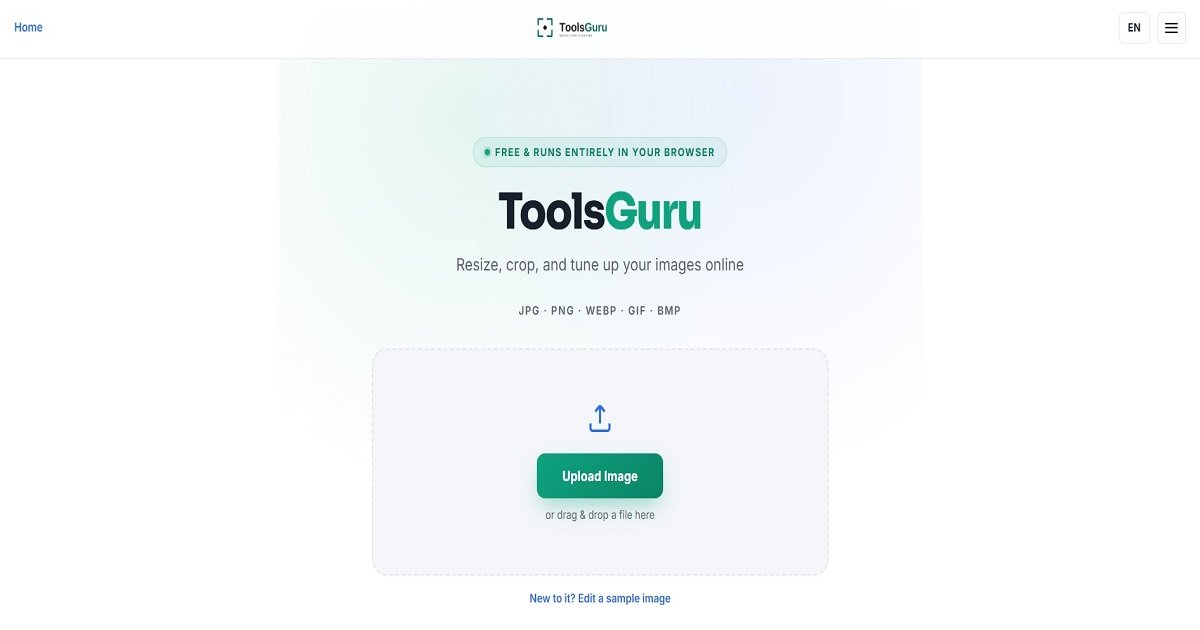
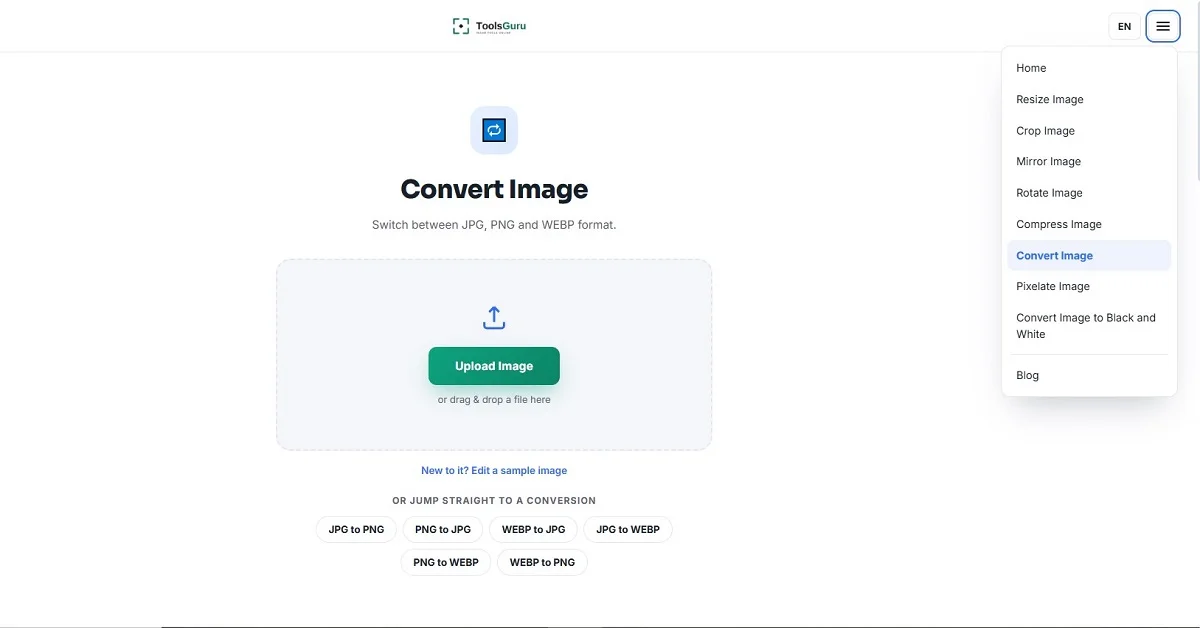
- Now, Open the Image Converter tools from the menu on the home page and upload the image.
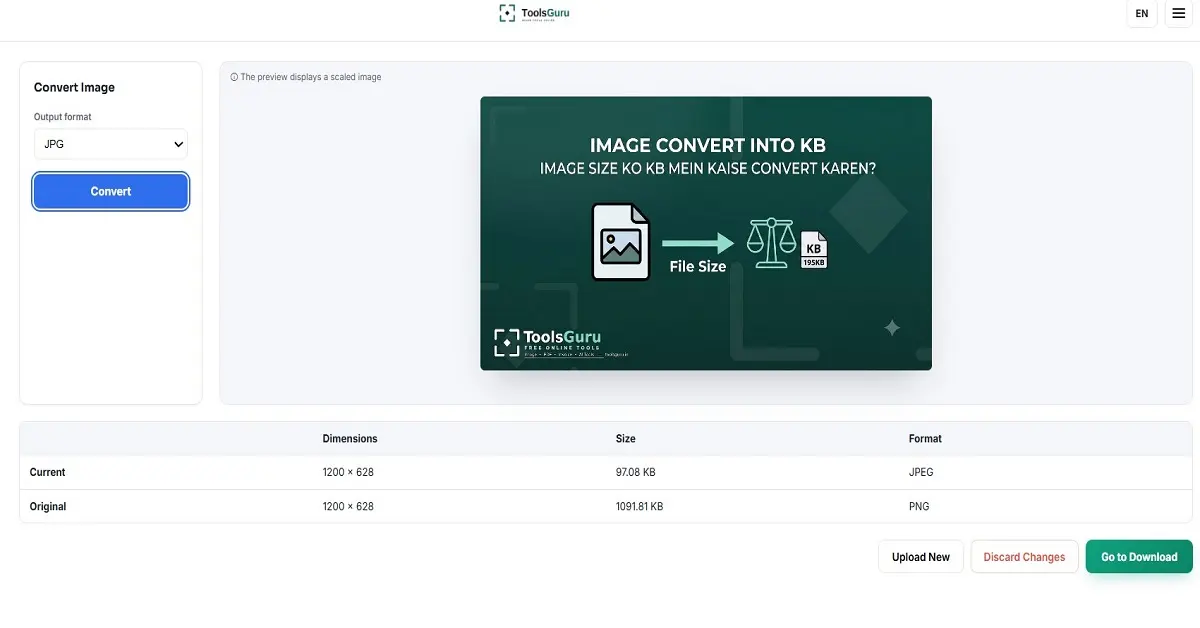
- Now, select the JPG format from the output format options and click the convert button.
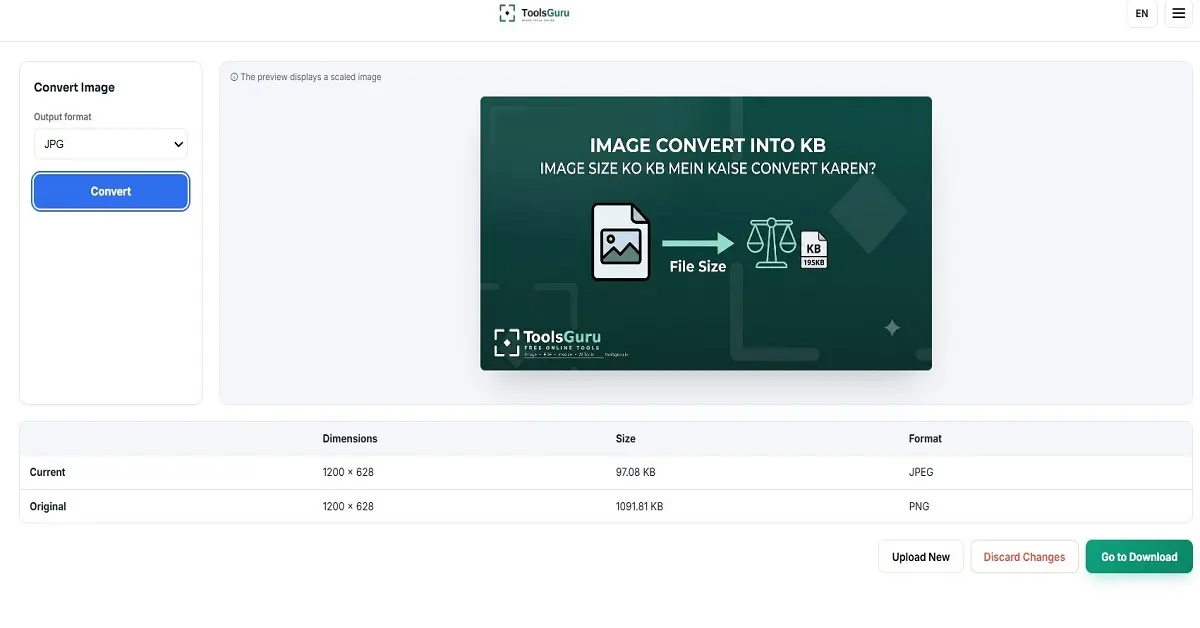
- Your image has been converted from PNG to JPG; click the download button to download it.
What is the difference between a PNG to JPG converter and an image compressor?
These two tools serve different purposes.
The PNG to JPG converter is used to change the image format.
On the other hand, the purpose of an image compressor is to reduce the image's file size.
For example:
PNG → JPG = Format Conversion
5 MB JPG → 500 KB JPG = Image Compression
Are JPG and JPEG the same?
Yes, practically speaking, JPG and JPEG refer to the same image format.
Both .jpg and .jpeg are file extensions for the JPEG image format. Therefore, after converting a PNG to JPG, the file appears with a .jpg or .jpeg extension.