Image Convert Into KB: You might want to convert your photo from MB to KB because applications, online forms, websites, or documents often require images to be within a specific size limit—such as 20KB, 50KB, 100KB, or 200KB.
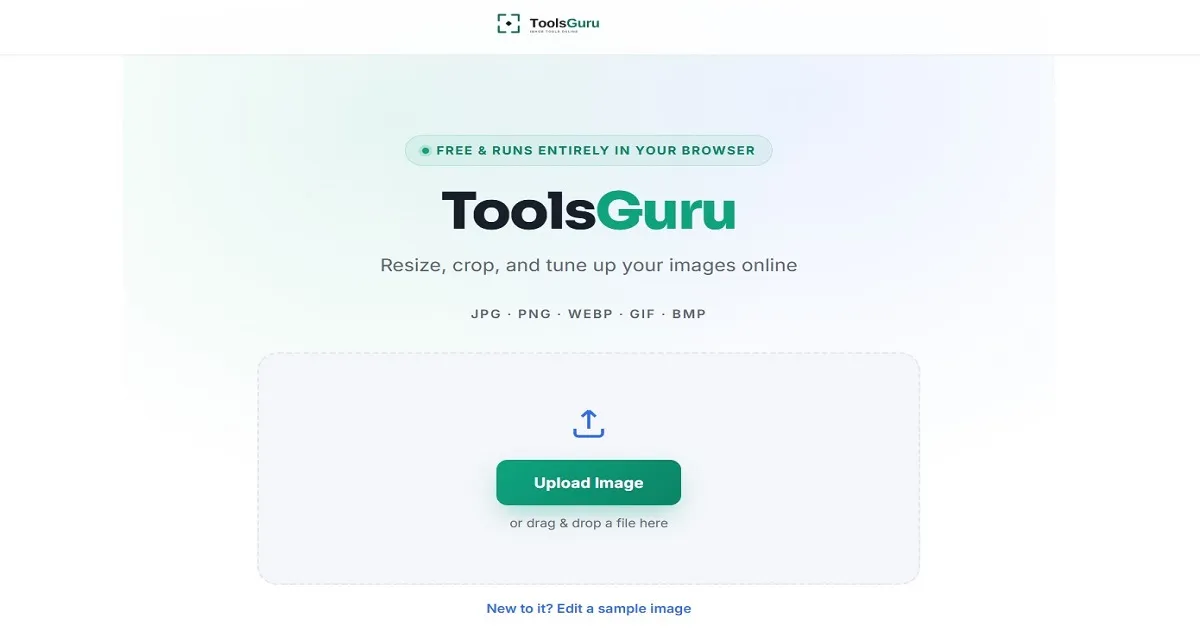
Toolsguru.in brings you a free online image compressor tool without any application and without login, which allows you to convert images on your browser itself without sharing the photo. toolsguru gives you an option to convert images directly without any hassle.
I will guide you properly on how to convert an image into KB, Reduce a JPG, PNG, WEBP, or GIF image, Free Image Converter step wise by converting image into KB.
What Does “Image Convert Into KB” Mean?
"Converting an image to KB" generally means reducing its file size—specifically, changing it from a larger size (such as MB) to a smaller one (KB).
For example:
- 2 MB image → 200 KB
- 1 MB image → 100 KB
- 500 KB image → 100 KB
- 300 KB image → 50 KB
- 150 KB image → 20 KB
How to Convert Image Into KB Online
You can convert images for free and without any issues using Toolsguru.in; we have outlined the steps below.
- First, search for "Toolsguru.in" on Google on your device and open the website.
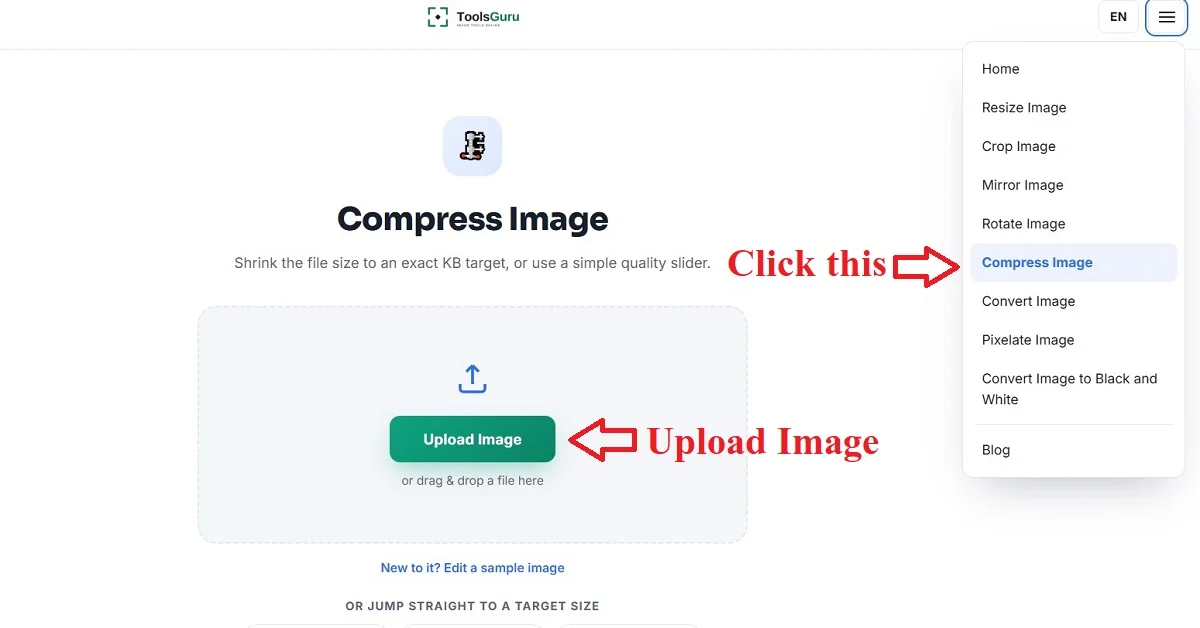
- Now, open the image compression tools from the menu on the home page and upload the image.
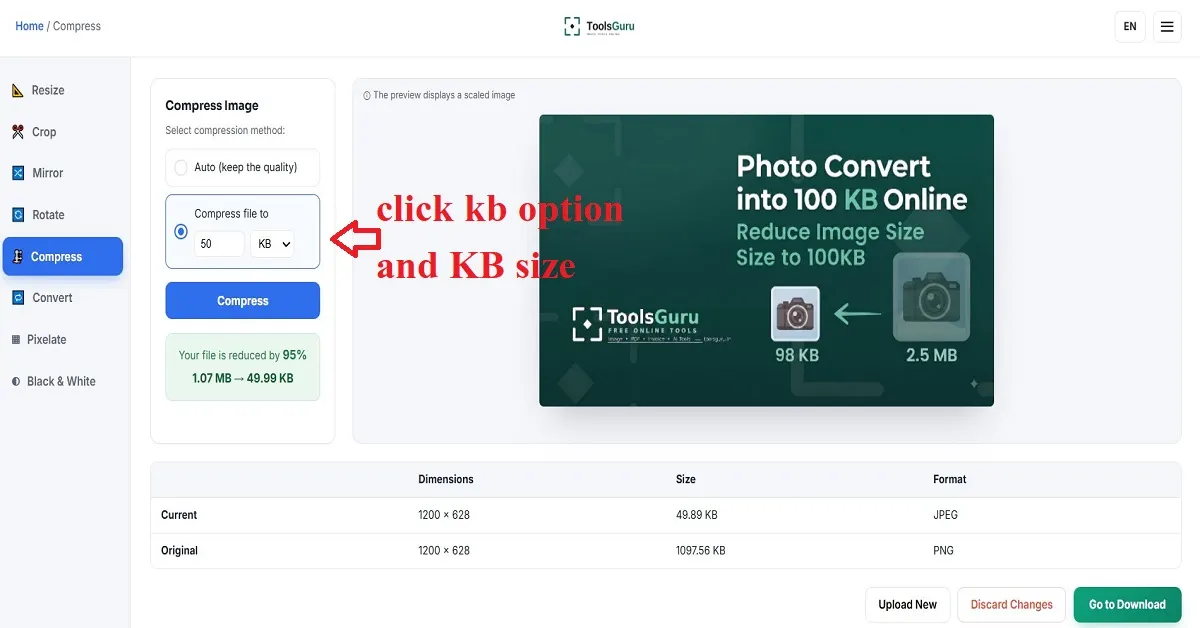
- Now, select the 'KB' option, enter the desired KB size, and click the 'Compress' button.
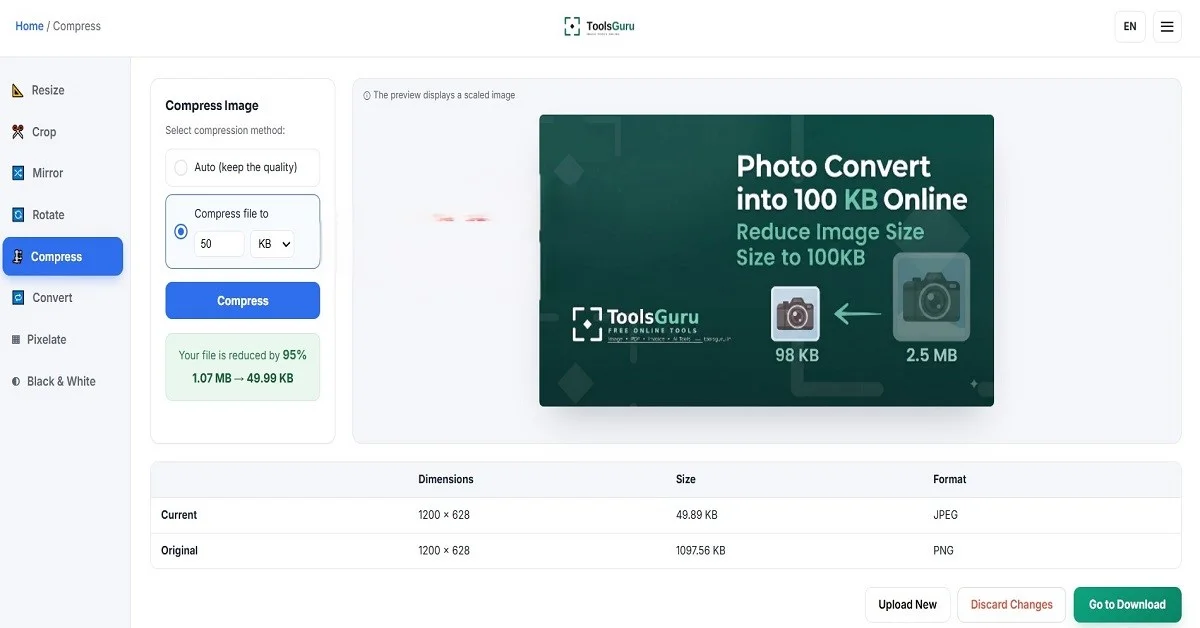
- The image has now been converted to KB; click the 'Go to Download' button to download it.
How to Convert JPG Image Into KB
If your image is in a different format, first convert it using Toolsguru's "Convert to JPG" tool; then, you can use the image compression tool to reduce the JPG image's size to KB.
How to Convert PNG Image Into KB
If your PNG files are large and you want to reduce their size to KB, you can easily do so using ToolsGuru's PNG compression tool.
Image Convert Into 50KB
If the required file size is 50KB, you can compress your photo until it reaches the required size.
A 50KB image can be useful for:
- Online application forms
- Exam forms
- Government websites
- Job applications
- Student registration
- ID-related forms
- Website uploads