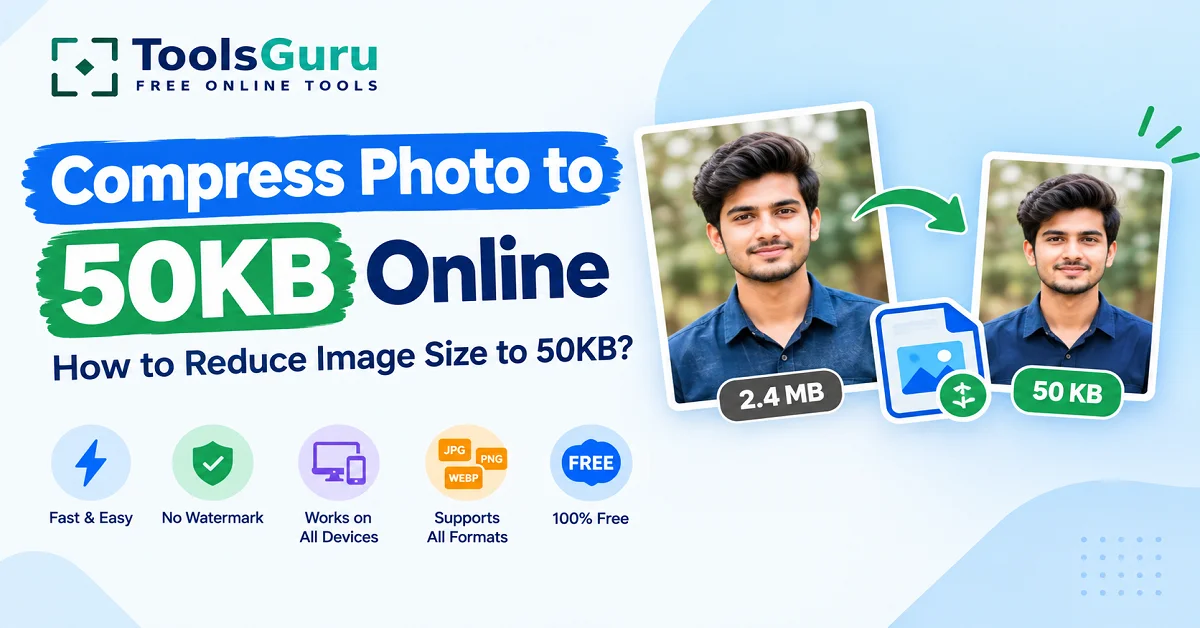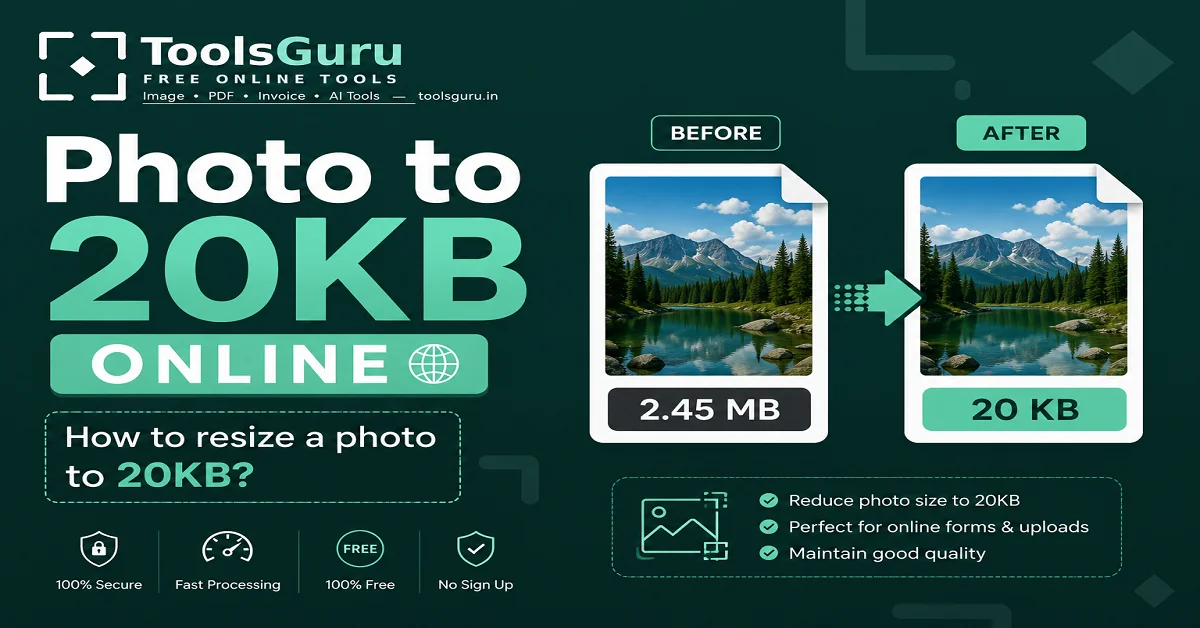
Reduce Image Size in KB: If you need a photo of a specific size in KB—such as 20KB, 50KB, 100KB, or 200KB—for a form, job application, or ID verification, you have come to the right place. Many websites and portals have strict requirements regarding photo size and often display errors like "file size exceeds limit" when you try to upload a large image. ToolsGuru’s "Reduce Image Size in KB" tool solves this exact problem.
Simply upload your JPG, PNG, or WebP image, select your target size in KB, and download the compressed photo in seconds—no software installation or sign-up required, and it is completely free.
What do '100kb', '50kb', and '20kb' mean in the context of images?
This is the most frequently asked question, so let’s clarify it first.
When a form or portal specifies that the "photo size must be less than 100KB," it means the image file should occupy no more than 100 kilobytes of storage space. This refers to the file's actual data size, not the visual quality of the photo.
- 10–20KB image – mostly used for signatures or passport-size photo uploads (very small, tightly compressed size)
- 50KB image – a common requirement for passport-size photos or ID card uploads
- 100KB image – frequently seen on government portals and for exam form uploads
- 200KB image – college/university admission forms
- 500KB image – document scans or verification photos, where greater detail is required
In simple terms: the smaller the KB size, the higher the level of compression—meaning less raw data remains in the file. Therefore, a 20KB photo will be more compressed and "lighter" (smaller in file size) than a 100KB photo.
Why does a photo have to be converted into a grave image?
This isn't just a technical requirement—it becomes essential in many real-life situations:
- Government job application forms (SSC, Railway, Banking exams)
- Passport and visa photo uploads
- Aadhaar, PAN, and other ID verification portals
- College/university admission forms
- Email attachments with size limits
- Optimizing images for websites (for fast loading)
- Blog featured images
- Social media uploads
- Online document submission
If your photo exceeds the required file size (in KB), the form simply won't submit—and this is the most common frustration people face.
How to Reduce Photo Size In KB — Step-by-Step
Step 1: Open the Reduce Image Size in KB tool.
Step 2: Upload your image from your device.
Step 3: Choose your desired file size, such as:
- 10KB
- 20KB
- 50KB
- 100KB
- 200KB
- Custom KB size
Step 4: Click the Compress Image button.
Step 5: Wait a few seconds while the image is processed.
Step 6: Download your compressed image instantly.
Benefits of compressing images
A part from simply submitting forms, there are other benefits to using smaller-sized images:
- Faster upload and download
- Savings on storage space
- Improved website performance and faster loading
- Better SEO ranking (Google prefers fast-loading sites)
- Quick sharing via email
- Better mobile experience
- Easily meeting file size requirements for online forms
Tips for Maintaining Image Quality
- Always start with a high-resolution original image
- Compress the image only once—repeated editing reduces quality
- Choose the right format based on your needs (JPG for photos, PNG for graphics/transparency)
- Make sure to preview the image before downloading
Is it safe to compress images?
Yes, it is completely safe. Images uploaded to ToolsGuru are processed securely and automatically removed after processing—your privacy remains fully protected. No images are permanently stored on the server.
Why Choose ToolsGuru's Image Compressor?
There are many online compressors available, but ToolsGuru stands out for several reasons:
- Free forever — no hidden charges
- No signup required — simply upload and download
- No watermark — clean, professional output
- Fast processing — results in seconds
- Device-friendly — works on both mobile and desktop
- Flexible file sizes — supports everything from 10KB to 500KB+ (or custom sizes)
- Supports JPG, PNG, and WebP — the most common image formats
If you need to convert a signature to 20 KB or simply compress an image—without a specific file size target—both tools are available for free on ToolsGuru.
FAQs Related to Reducing KB Size
How to reduce photo size
To reduce a photo's size in KB, the image must be compressed—meaning unnecessary data is removed to shrink the file size. ToolsGuru's tool handles this automatically; you simply need to select your target size in KB.
How do I reduce the image size without compromising quality?
Smart compression algorithms are used to reduce file size while preserving quality by removing only the data that does not significantly affect the visual appearance. Starting with a high-resolution original photo and compressing it just once yields the best results; repeated compression can lead to a drop in quality.
How do I convert a photo to a specific size (10 KB, 20 KB, 50 KB)?
Upload the photo and select the target size to convert it to a specific KB size—the tool automatically adjusts the dimensions and compression level to generate a file of the exact size or smaller. It works for 10KB, 20KB, 50KB, or any custom size.
Which image formats are supported?
ToolsGuru's tool supports all these popular formats: JPG, JPEG, PNG, and WebP. No matter which format you upload, you will instantly get the compressed version for download.